
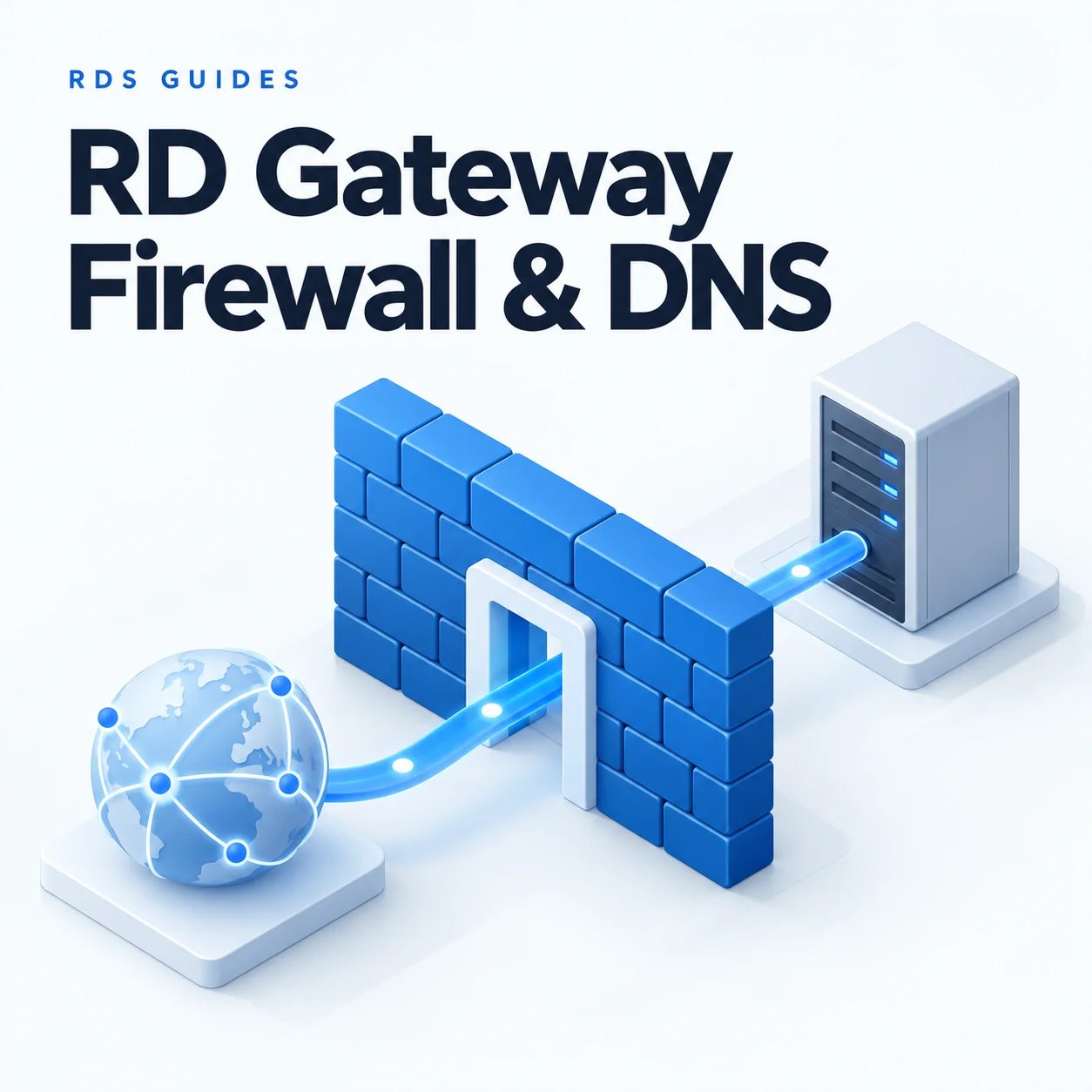
RD Gateway Firewall Ports and DNS: A Setup Guide
A gateway connection crosses two network paths: the client reaches the public gateway, then the gateway reaches the internal destination. Testing the wrong path can make a working firewall rule look broken.
Use this guide to map DNS and firewall rules for a single RD Gateway. The table shows common default ports; domain services, certificate validation and your chosen authentication design may require additional internal or outbound connectivity.
Before You Begin
- Access to public DNS, the perimeter firewall or cloud network rules, and Windows Firewall..
- The gateway's stable internal address and its public endpoint.
- The target names and configured RDP ports. Examples below use rdg.example.com and rdsh01.ad.example.com.
- A Windows test client outside the network and administrative access to the gateway.
-

Create the public gateway DNS record
Create an A record for the gateway name pointing to the public IPv4 endpoint used by your firewall or load balancer. If using an alias, ensure its final destination resolves correctly. Publish an AAAA record only when the IPv6 route and firewall configuration are ready.
The certificate must cover the hostname users enter. Check the record from an external client; an internal-only DNS answer does not show what remote users receive.
Run on an external Windows client
Resolve-DnsName rdg.example.com

-
Separate the required traffic paths
Common RD Gateway network flows
Source → destination Default port Purpose External client → gateway TCP 443 Encrypted gateway connection. External client → gateway UDP 3391 UDP transport when enabled and supported. Gateway → approved RDP target TCP 3389 Internal RDP; use the actual configured target port. Gateway → approved RDP target UDP 3389 Internal UDP transport when used. Gateway → internal DNS TCP/UDP 53 Resolve internal destination names. Gateway → central NPS, if used UDP 1812 / 1813 RADIUS authentication / accounting, as configured. This is not a complete Active Directory firewall matrix. Scope domain authentication, RPC and certificate-revocation access to the services and endpoints your environment uses.

-
Apply perimeter and host firewall rules
For a gateway behind NAT, forward TCP 443 to the gateway's internal address. Add the matching UDP 3391 forwarding rule if using UDP. In a cloud deployment, configure the equivalent security rules and any load-balancer rules.
Confirm the gateway's Windows Firewall permits the selected transport. Restrict internal RDP rules to the gateway and other explicitly approved management sources. Do not publish Session Host port 3389 directly to the internet for this design.

-
Verify internal name resolution
On the gateway, resolve each destination with domain DNS. The result should be a reachable internal address. Confirm the requested hostname is also authorized by the RAP.
Run on the gateway
Resolve-DnsName rdsh01.ad.example.com
Test-NetConnection rdsh01.ad.example.com -Port 3389
A successful TCP test confirms reachability to a listening port. It does not prove that the user passes CAP, RAP, certificate or target logon checks. Repeat the test for every Session Host used by a collection.

-
Test the public path independently
Run on an external Windows client
Test-NetConnection rdg.example.com -Port 443Expect TcpTestSucceeded : True. If it is false, work through the public DNS answer, upstream routing, NAT, cloud or perimeter rules and the gateway listener. A failed ping by itself does not mean HTTPS is blocked.
Test-NetConnection -Port tests TCP, not UDP. Use firewall counters, packet captures or connection diagnostics to investigate UDP transport.

-
Check the actual Remote Desktop session
Complete a new session through the gateway from an external network. Then test the same public name from an internal client if internal users will use it. You may need split DNS or a supported NAT-loopback configuration.
If an HTTPS proxy or load balancer is in the path, confirm that it supports your RD Gateway transport and session behavior. Reaching an ordinary web page on port 443 does not prove the gateway protocol works through that device.

Frequently Asked Questions
Compatible clients can use the TCP transport. UDP is an additional transport option; validate your actual client and network behavior before treating a TCP-only test as a performance baseline.
Admin Note: Write each rule as a source, destination, protocol and port. Keep that record with the DNS name and certificate details so later troubleshooting starts from the intended design.
Preparing an RDS Environment for More Users?
Network access is one part of an RD Session Host deployment. Review the RDS CAL requirements for the users or devices that will connect.
Author Bio

Microsoft Certified Professional
With over 20 years of experience deploying and managing enterprise Windows Server environments, Keloth leads technical implementation at RDS CAL Store. He specializes in Remote Desktop Services infrastructure, secure remote architecture, and helping IT teams seamlessly scale their official licensing.
Related Posts
Understanding RDS CAL Downgrade Rights
Home – Understanding RDS CAL Downgrade Rights Understanding RDS CAL Downgrade Rights When managing a Remote Desktop Services environment, hardware and software upgrades rarely happen all at once. You might purchase new Client Access Licenses (CALs) today, but still need them to authorize connections to older servers running in your datacenter. Microsoft accommodates this reality…

How to Disable Remote Desktop Easy Print in Windows Server (2016-2025)
Home – How to Disable Remote Desktop Easy Print in Windows Server (2016-2025) How to Disable Remote Desktop Easy Print in Windows Server (2016-2025) Remote Desktop Easy Print is the default driver Windows uses to map local client printers into a remote session. While convenient, it strips away advanced printer features (like stapling, tray selection,…

How to Create a Remote Desktop User in Windows Server (2016, 2019, 2022 & 2025)
Home – How to Create a Remote Desktop User in Windows Server (2016, 2019, 2022 & 2025) How to Create a Remote Desktop User in Windows Server (2016, 2019, 2022 & 2025) Provisioning remote access for a new employee requires more than just creating a standard Windows account. To securely connect to a Session Host,…

How to Fix the CredSSP “Encryption Oracle Remediation” RDP Error
Home – How to Fix the CredSSP “Encryption Oracle Remediation” RDP Error How to Fix the CredSSP “Encryption Oracle Remediation” RDP Error If you are managing Windows Servers, you have likely encountered this terrifying error message when trying to connect via Remote Desktop: “An authentication error has occurred. The function requested is not supported… This…