Genuine Remote Desktop Services (RDS) CALs for Windows Server
Setting up remote access for your team should not be complicated. RDS CAL Store offers genuine Microsoft RDS CALs for Windows Server 2025, 2022, 2019, and 2016 in 5, 10, 20, and 50 CAL packs, so you can buy only what you need. With instant digital delivery and perpetual licensing, the process is simple from purchase to deployment.
If you need help with purchasing, activation, or configuration, our team is here to assist you. Not sure how many CALs you need or which type is right for your setup? Use the RDS CAL Calculator — it takes about 30 seconds and tells you exactly what to buy..
Microsoft Windows Server 2025 RDS CALs
Microsoft Windows Server 2022 RDS CALs
Microsoft Windows Server 2019 RDS CALs
Microsoft Windows Server 2016 RDS CALs
What Happens After You Buy?
When you order from RDS CAL Store, your license is delivered digitally and backed by expert help if you need it.
1. Secure Checkout
Complete your order through our secure, encrypted checkout.
2. Instant Digital Delivery
Download your license PDF from the order confirmation page, and receive the same details by email.
3. Standard Activation
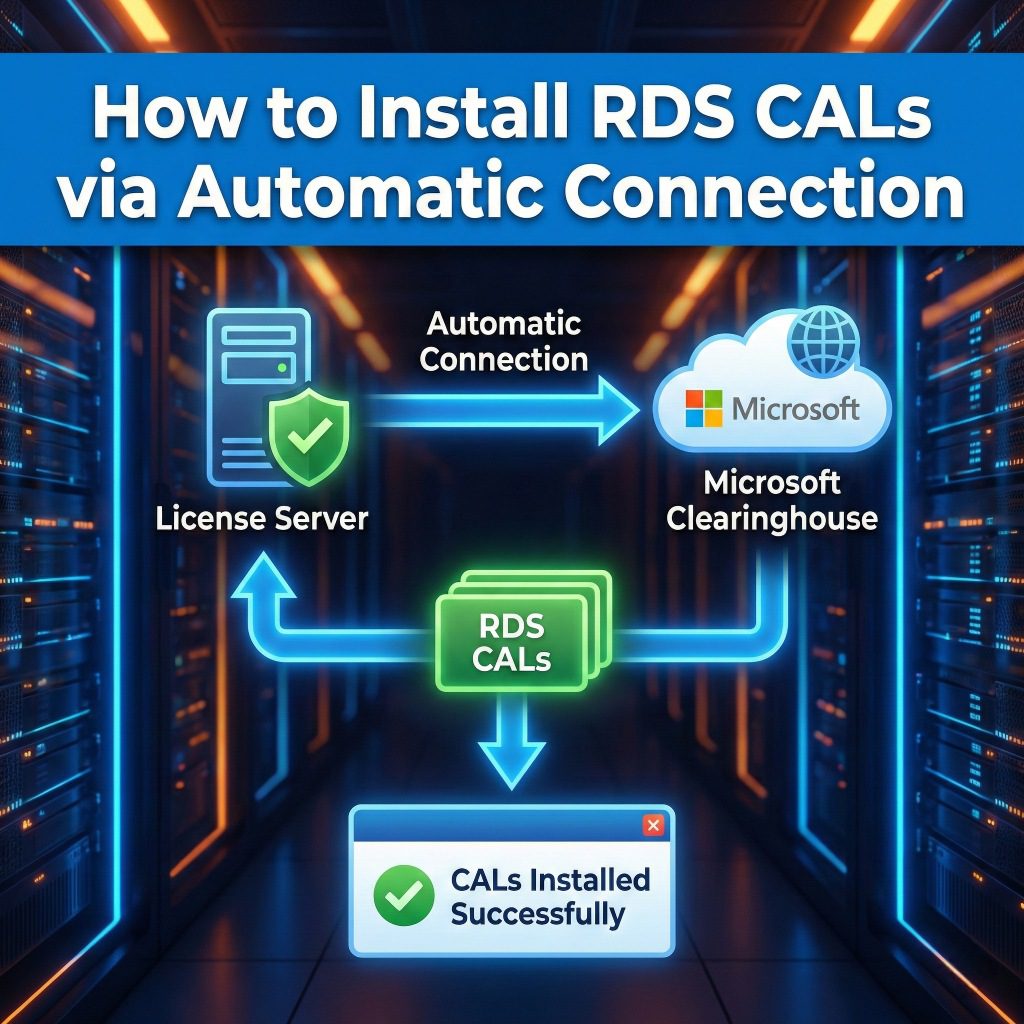
Activate your license online through your server’s RD Licensing Manager.
4. Free Installation Support
If you need help during setup, our certified experts are available to assist at no extra cost.
What’s Included With Your License
Installation Video Guide
Follow our step-by-step video walkthrough to install and activate your licenses with confidence.
Helpful Setup Documentation
Access our library of guides covering deployment, activation, and common troubleshooting steps.
60-Day Self-Service Exchange
Need to change CAL type or server year? You can make a one-time exchange yourself from your account dashboard within 60 days.
Straightforward Business Pricing
Get competitive pricing on genuine Microsoft RDS CALs without unnecessary complexity or inflated costs.
Why Buy From RDS CAL Store?
Built by IT Admins, for Real-World Setups
We understand that licensing decisions need to be practical, clear, and accurate. That is why RDS CAL Store was built to help businesses buy the right RDS CALs with confidence.
Instant Delivery, Perpetual Licensing
Your RDS CALs are delivered digitally right away, with no waiting for physical shipment and no recurring subscription.
Free Setup Support
Every order includes our activation support. If you run into any issues during installation or setup, our team is here to help at no extra cost.
Business-Friendly Pricing
We provide genuine Microsoft RDS CALs at competitive rates, with a simple buying process designed for businesses that want clarity and value.
RDS CAL Licensing Options
Benefits of User CALs
User CALs are designed for organizations where employees need to access the server environment from multiple locations and devices.
- Multi-Device Flexibility: Ideal for individuals who need to access the server from a laptop at the office, a desktop at home, and mobile devices while traveling.
- Simplified Management: One license covers a single user regardless of how many devices they use to connect.
- Mobile Workforce Support: Best suited for modern remote work environments and flexible staff schedules.
Benefits of Device CALs
Device CALs are the preferred choice for specific business models where multiple employees utilize the same hardware.
- Shared Workstation Efficiency: Perfect for shift-work environments, call centers, or retail points-of-sale where several users connect through a single machine.
- Lab & Kiosk Environments: Highly cost-effective for training labs or public-access kiosks where the user-to-device ratio is high.
- Budget Optimization: Allows organizations to choose the model that best fits their specific workflow and hardware setup.
Buying from RDS CAL Store gives you instant digital delivery, perpetual licensing, and free support from experienced IT admins, so you can get your team up and running without unnecessary delays.
Frequently Asked Questions
The easiest rule of thumb is to count your users and your devices, then license whichever number is smaller:
- Choose RDS User CALs if your employees work from multiple devices (e.g., a laptop, smartphone, and home PC). One User CAL covers one specific person across all their devices.
- Choose RDS Device CALs if multiple people share a single workstation (e.g., shift workers, call centers, or lab kiosks). One Device CAL covers one specific machine, regardless of how many users log into it.
Not sure? Use our RDS CAL Calculator at the top of this page.
Verified buyer feedback
Here are some reviews from repeat purchasers and first-time buyers across Windows Server 2016–2025 CAL packs. Read what they have to say about their experience:
Testimonials

Have been working with this Team for the past 5 years, no problem with their licenses so far, they've also provided with assistance when needed, great team!
Everything installed and activated with no issues!!
Multi Time Buyer Only Source I Will use for License Brokerage
Todo muy bien, gracias!
Seriously recomended 5 stars. Fast and working 100%. If they own other licences kind, sure I'll get from them.
Everything works great, this is already the third time I purchased.
Wonderful supplier got the product on time and the after-sales support was excellent.
As always, just outstanding service. Return customer and we will be back.
Molto veloce e disponibile. Ho ricevuto il codice di licenza immediatamente. Molto professionale.
I am very satisfied, as always everything was fine. Fast delivery, reliability, good prices
Really fast! They actually saved me from a crappy week when my temporary RDP expired. I will keep buying RDP licenses here as I find the need to.
Awesome. They helped me solve an installation issue immediately that I ran into. Will be buying more certificates in the near futures hopefully as the server farm grows.
10th purchase of RDS User CAL in last 16 months. Very satisfied and will purchase more in the future.
Very fast electronic delivery. Worked perfectly.
I recommend it 100%, reliable and excellent communication, it helped me correct errors on my server. thank you..!
Got up and running in no time with this license. Nice price, too. Thank you!
This was the 8th set of RDS CAL purchased in last 12 months. Total of 250 CAL so far. Every purchase went very smooth and the CAL worked great. We have 2-3 more sets that will be purchasing over next 60 days.
Very fast and efficient! Saved a bunch of money as well. I will definitely be using them again.
Funcionou como esperado e o suporte dado foi impecável
License arrived quickly and activated without issue. Would definitely order another pack if we need to expand.